Services
Tech Concepts
Events & Experiences
Enterprise & Training
Gaming & Education


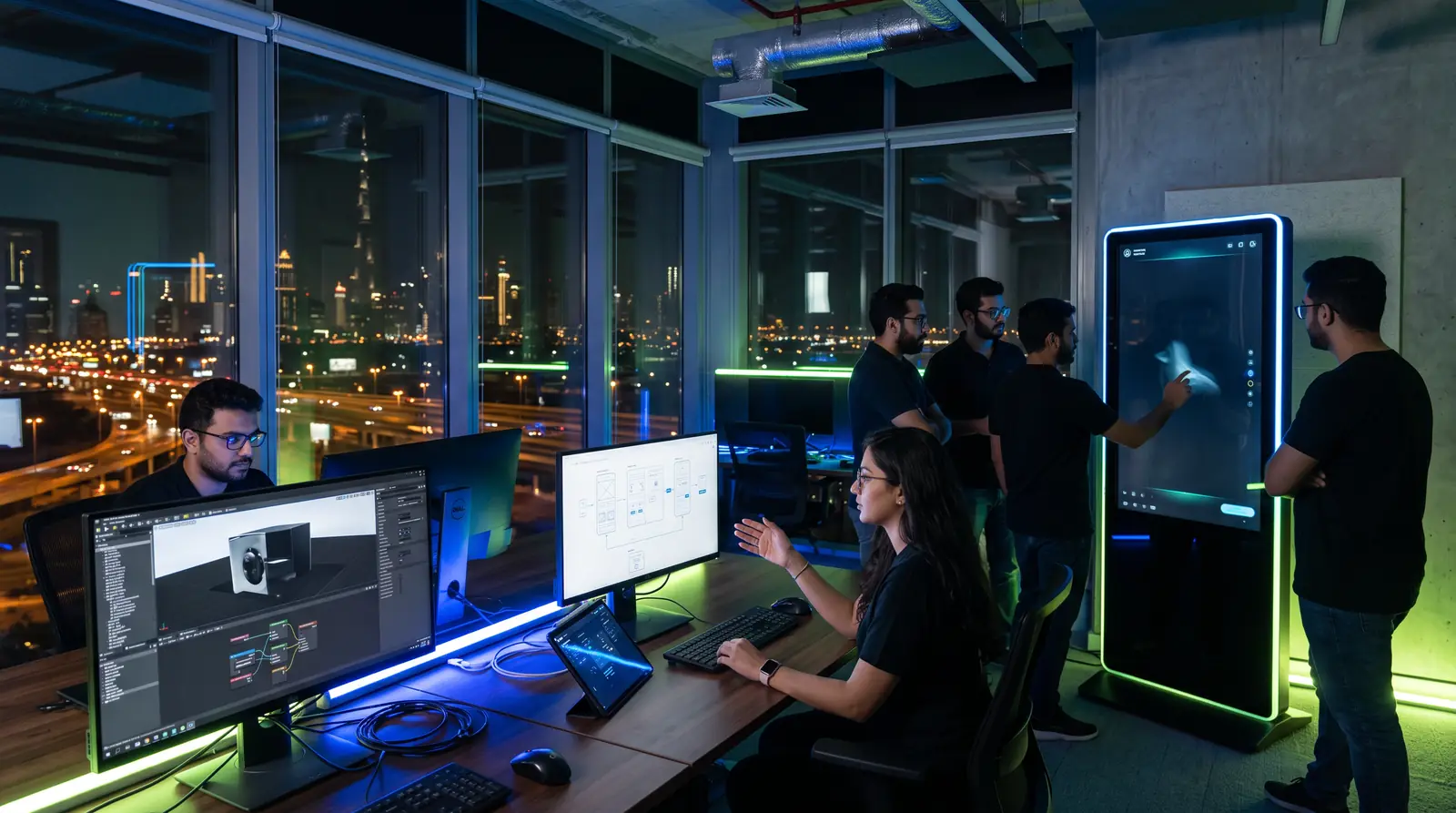
The software behind the experience: touchscreen and kiosk apps, Unity applications, touch-and-throw presenter tools, web and AR apps, and content management systems your own team can run. Built for the screens, sensors and audiences of exhibitions, museums and permanent experience centres.
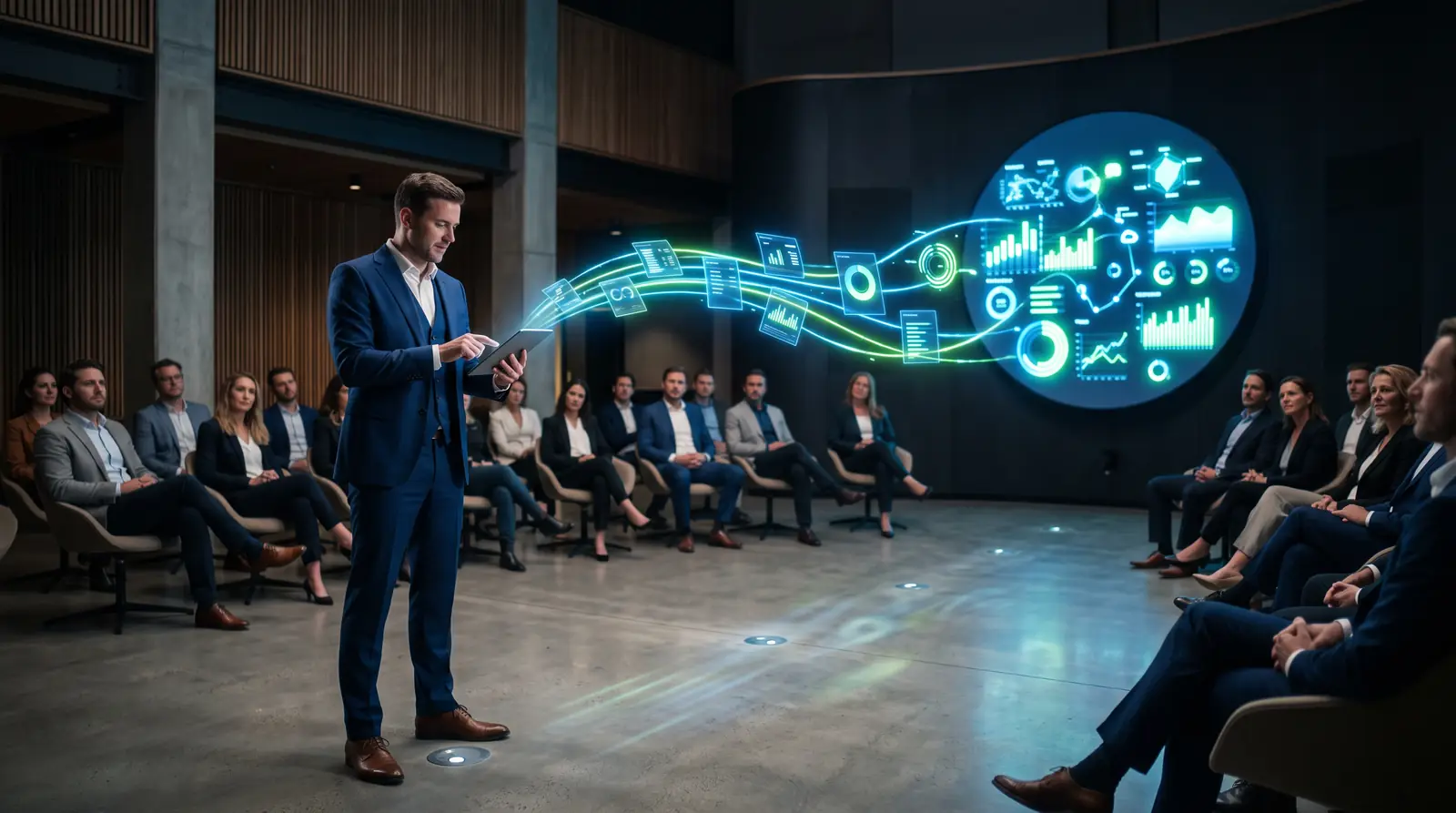
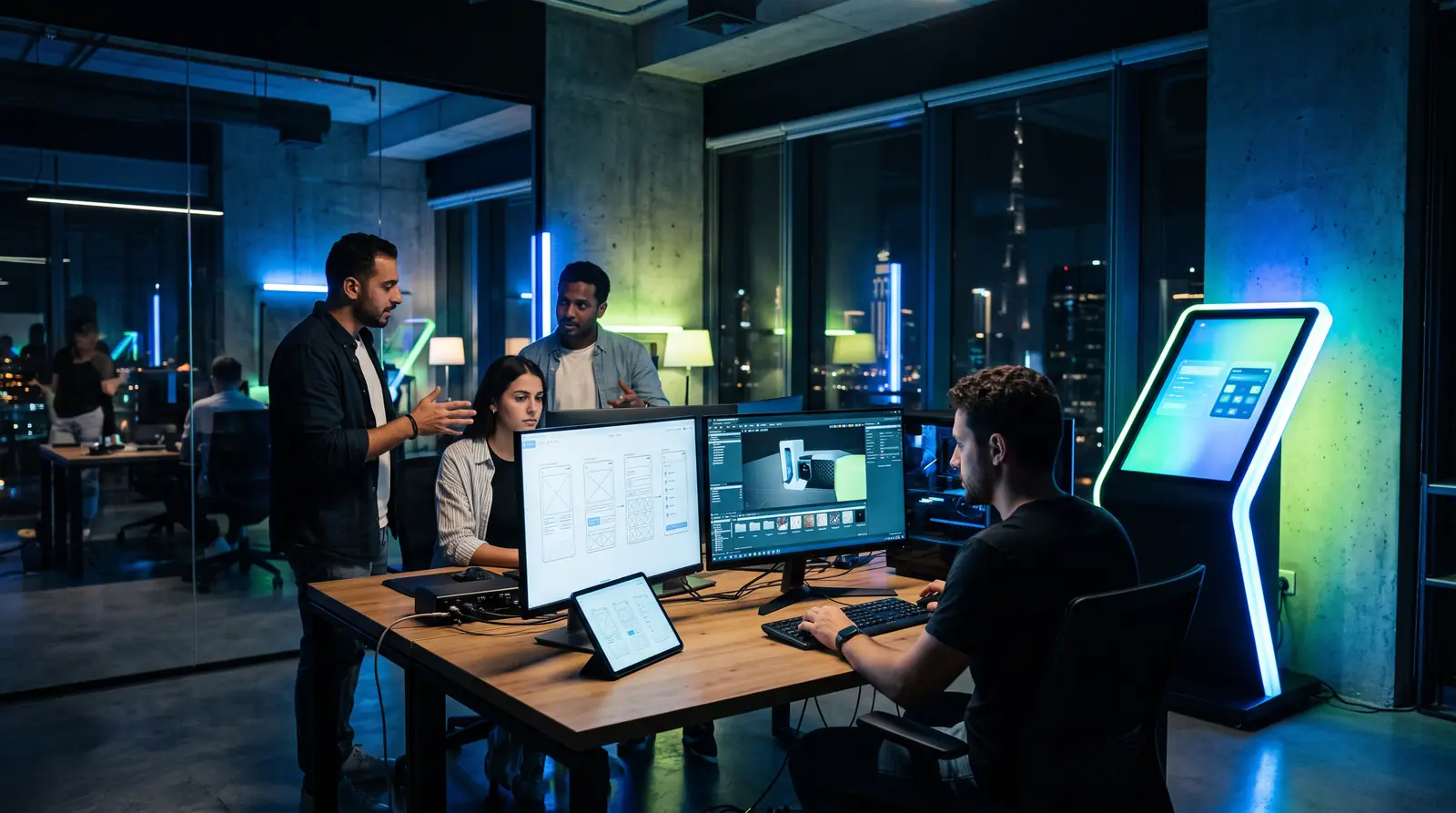
Custom application development, in an experiential context, is the design and build of the software that runs an installation: the touchscreen interface a visitor uses, the presenter tool that sends content to an LED wall, the engine that renders a 3D model, the logic that links a sensor to a scene and the content management system (CMS) that lets staff update everything.
Off-the-shelf software rarely fits a custom canvas. A circular LED screen, a transparent display, a dome triggered from a console or a table that recognises objects each needs software written for that hardware, that audience and that operating model.
We design the interface, build the application and integrate it with the displays, sensors and media servers on site. For permanent spaces, we build around a database or CMS so your team can add content without a developer. Our AR, VR and MR experiences are covered on their own page.
We build the software that drives our installations and screens other suppliers installed. A few examples:
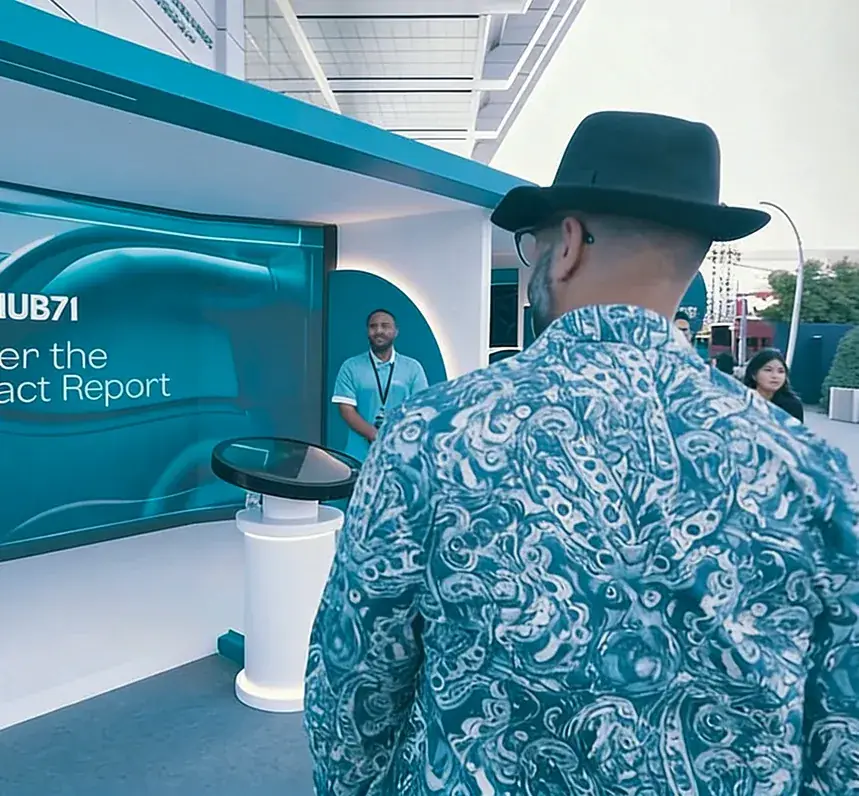
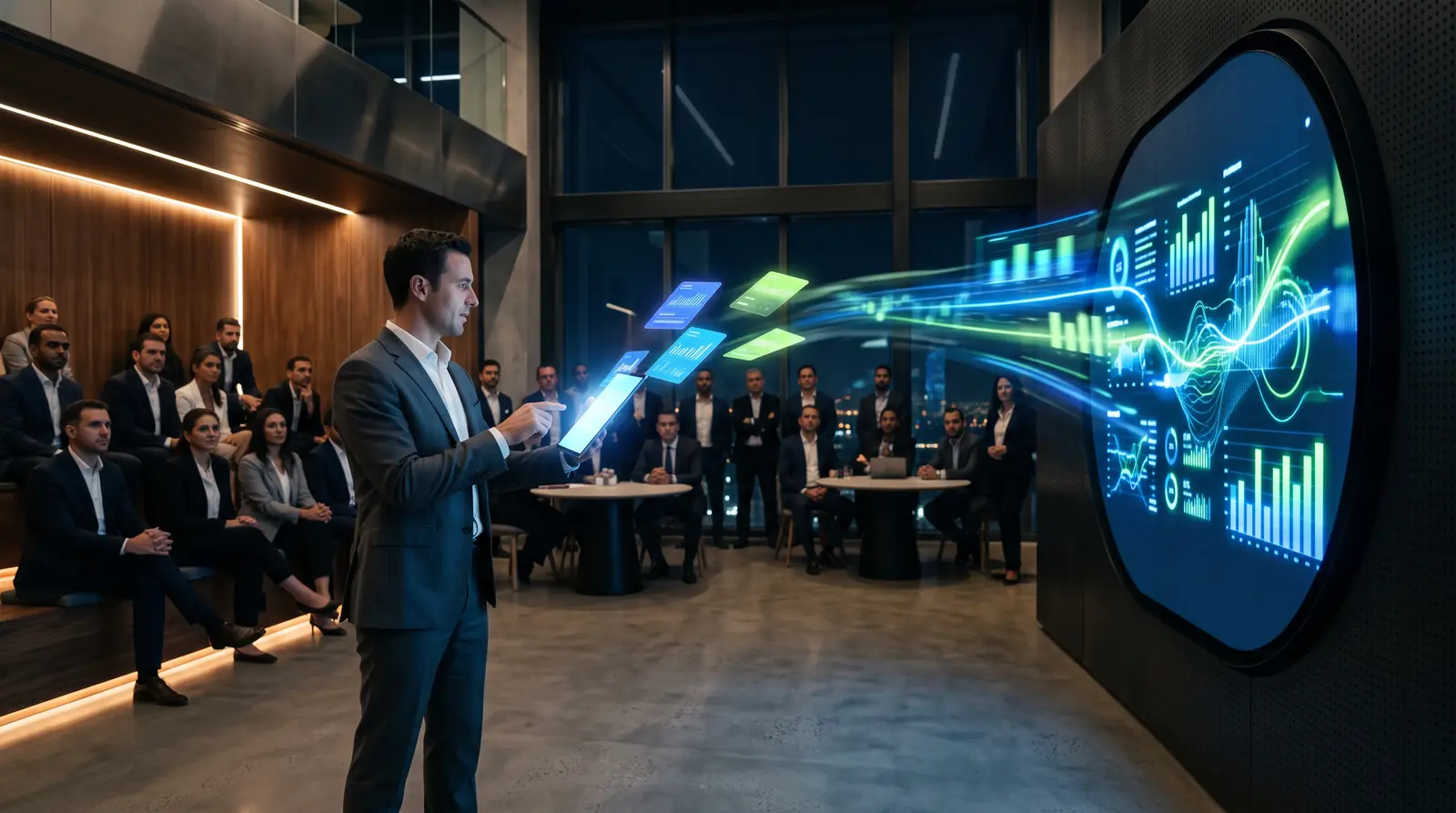
A touch-and-throw application that lets presenters browse impact data on a touchscreen and send it live to a large circular LED screen, with animated data visualisation built for that format.
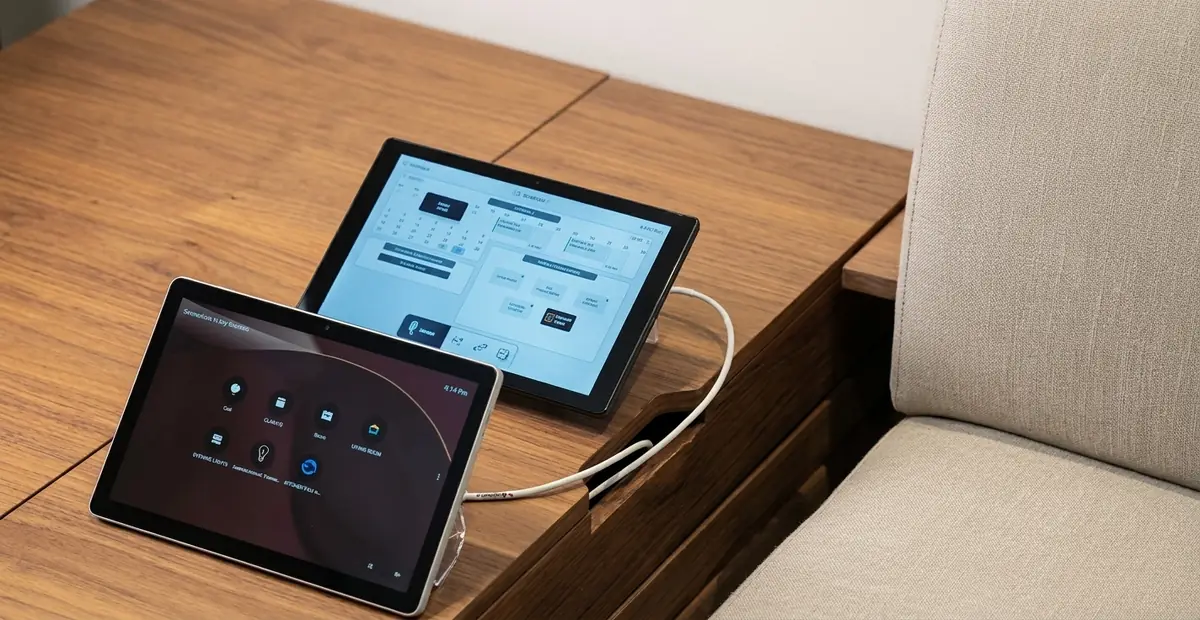
A centralised content management system and media server so the client team controls every screen and prepares each session without technical support.
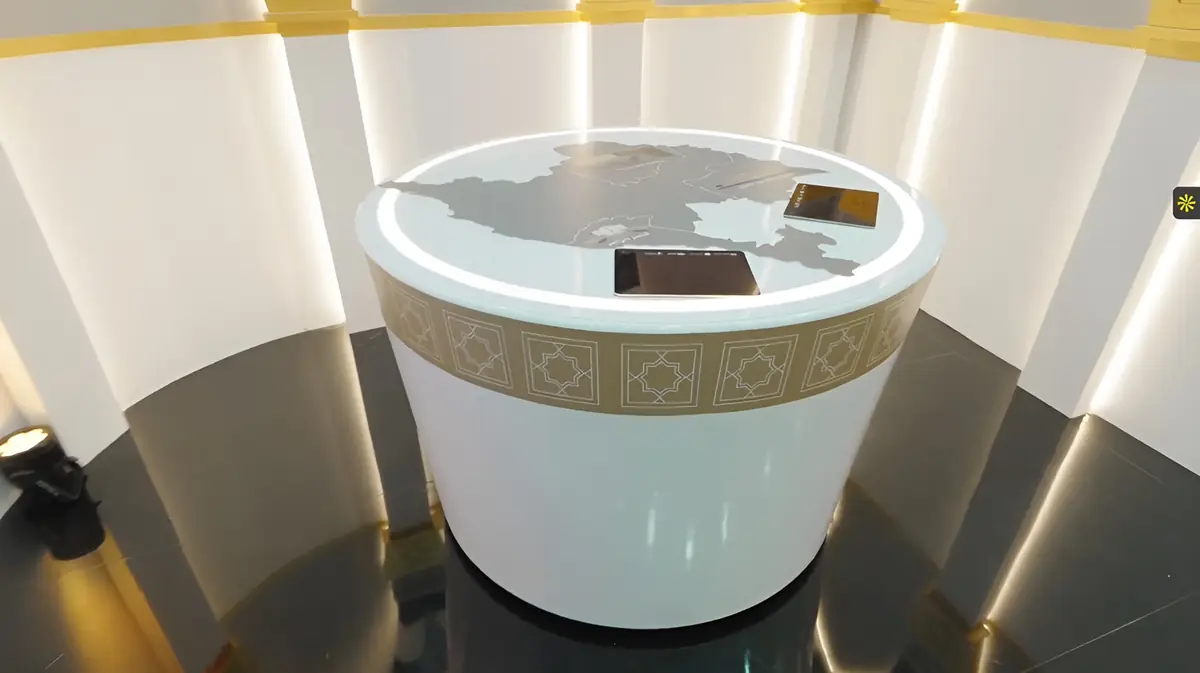
An iPad application that sends investment projects to a large transparent screen, an AR heritage app and an automated sliding display.
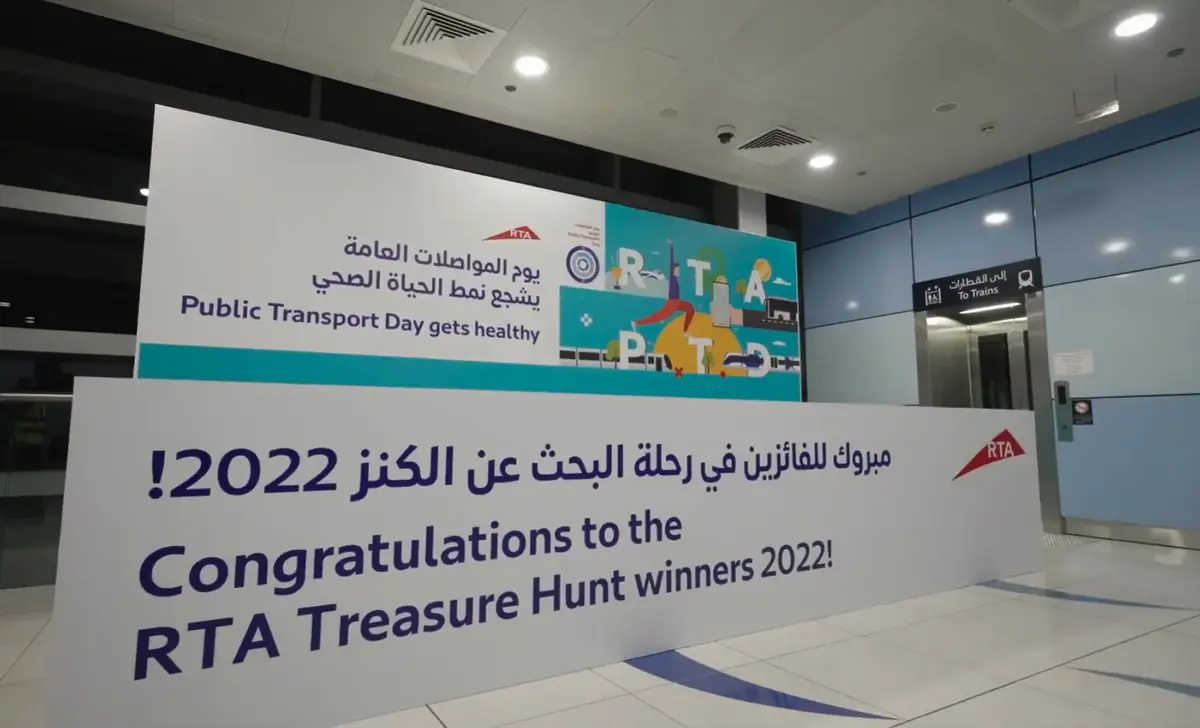
A browser-based AR treasure hunt across metro stations with no app download, integrated with RTA's Nol points so every coin became a real reward.
What we have learned: the operator is a user too. In permanent spaces the most valuable feature is often the content management layer that lets a receptionist or marketing team change content without calling a developer. We also design for Arabic right-to-left layouts from the start, not as a translation added at the end.
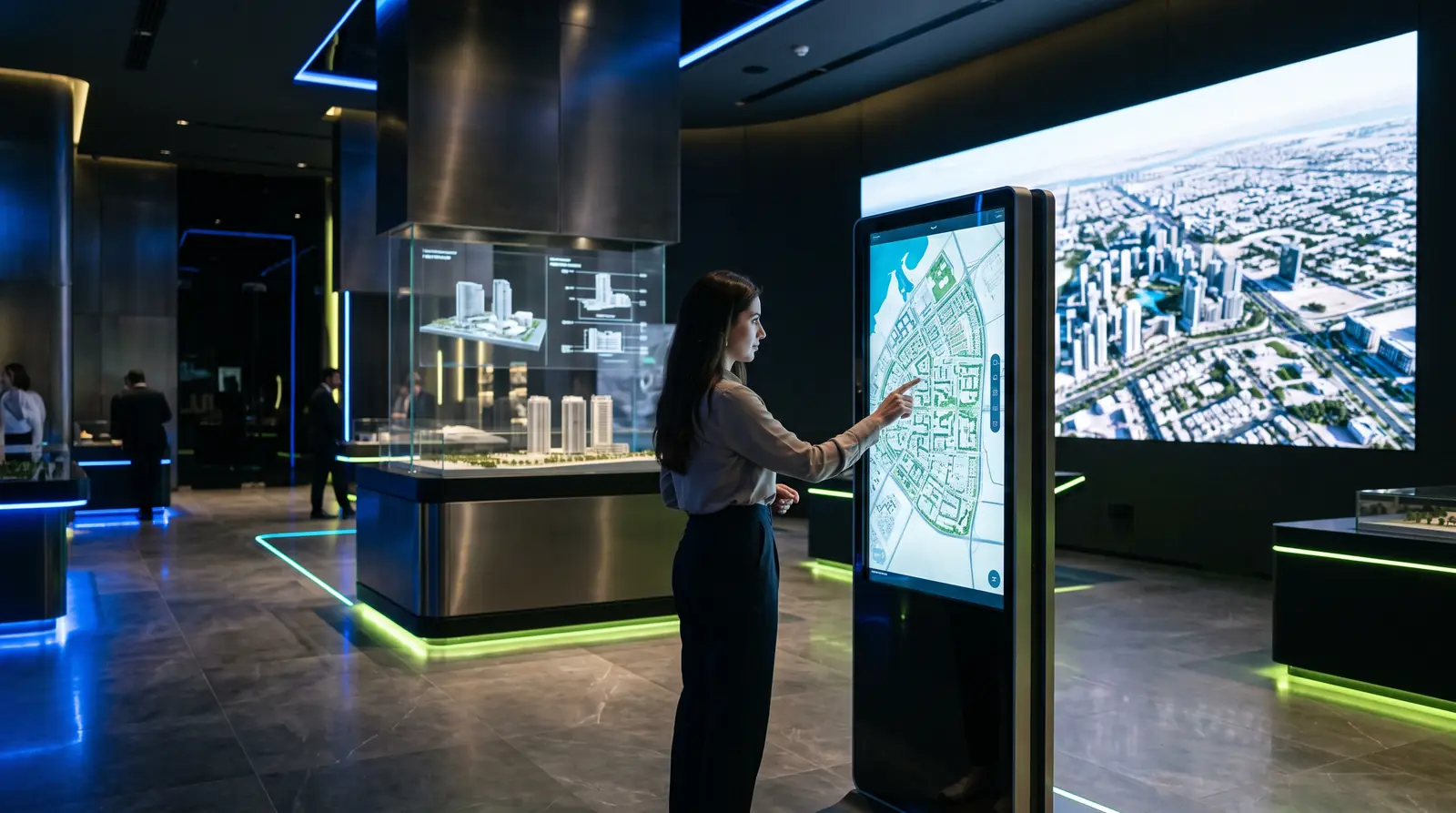


| Device | Typical application |
|---|---|
| Touchscreens, totems & kiosks | Exploration apps, wayfinding, menus and registration |
| Tablets & iPad podiums | Operator controls, presenter tools and visitor selection |
| LED walls & circular LED | Content driven by touch-and-throw or CMS playlists |
| Transparent & holographic displays | 3D and product apps triggered from a touch interface |
| Domes & immersive rooms | Scene selection and trigger systems |
| Visitors' phones | Browser-based web apps, QR experiences and WebAR |
| Specification | Detail |
|---|---|
| Platforms | Windows, Android, iOS / iPadOS, web browsers and media-server control |
| Engines | Unity for real-time 3D; web technologies for browser-based apps |
| Content management | Custom CMS or database so staff can update content without code |
| Integration | Media servers, LED processors, sensors, lighting, APIs and live data feeds |
| Interfaces | Touch, tablet control, QR and browser, with accessibility in mind |
| Languages | Arabic (right-to-left) and English |
| Operation | Kiosk mode, auto-recovery and remote support for daily use |
| Handover | Documentation and operator training |
Every example on this page is an installation our own team designed, produced and installed. Here is what stands behind it.
Everything above comes from projects we designed, produced and installed ourselves, not from manufacturer brochures. Power Interactive has delivered more than 800 projects since 2018 across the UAE, Saudi Arabia and the GCC, a milestone featured in Khaleej Times in September 2026, for clients including Atlantis The Royal, Visa Arabia, PwC Middle East, Al Jalila Foundation, Dubai Desert Conservation Reserve and Emaar.
Client names appear only where the project is already public in our case studies. We do not publish fixed prices or timelines here, because both depend on your screen, space and content; we give ranges after a survey, in writing. We describe our content as professional production, and we will tell you when a simpler or smaller solution is the better answer.
800 gives us a lot of perspective on what makes an experience actually work.
.png)
Fahad and the team at Power Interactive were fantastic. We worked with them on several projects and had a great experience throughout, the tech team is extremely knowledgeable and everything ran very smoothly.

Power Interactive is a Dubai-based experiential technology company, building immersive experiences, interactive installations and Pro AV systems for clients across the UAE, Saudi Arabia and the GCC.