Services

Events & Experiences
Enterprise & Training
Gaming & Education


An event installation runs for three days. A permanent one runs every day for years. That single difference changes reliability, cooling, redundancy, service access, monitoring, content management, spares and support and it is the reason event-grade equipment fails early in permanent spaces.
.png)
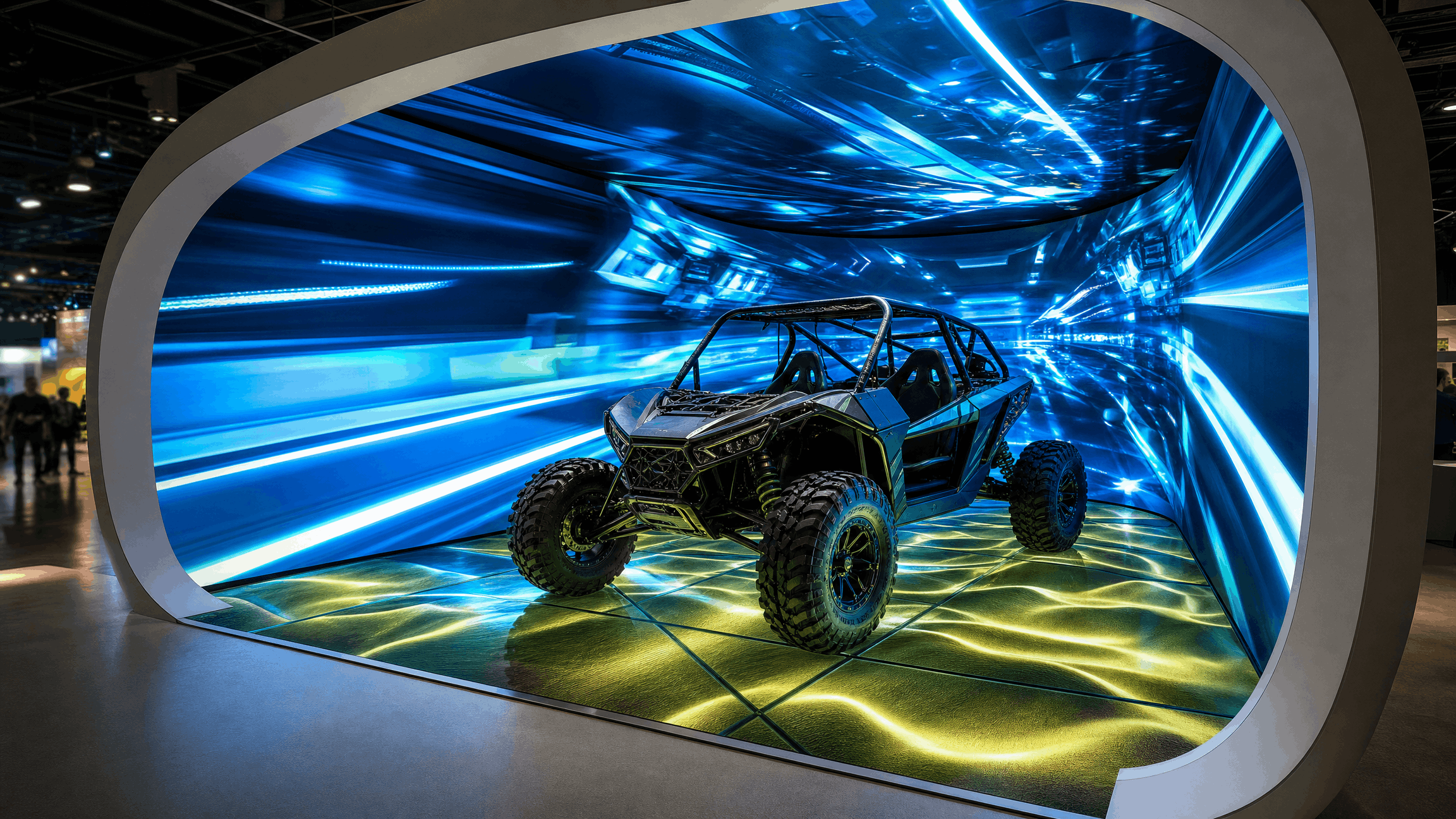
An event installation might run for three days, a week, or a month. A permanent installation runs every day for years — through summer heat, public handling, staff turnover and technology cycles, usually without an engineer in the building.
That single change of duration cascades through almost every design decision. This article walks through those decisions, with the numbers attached, so you can tell whether what you are being quoted is built to last.
QUICK ANSWER: An event installation is engineered for a short, supervised run where failure is recoverable because a technician is present. A permanent installation is engineered for unsupervised continuous operation, so it needs redundancy, thermal design, serviceability, monitoring, spares and documentation that an event build does not.
The clearest way to see the gap is to look at who is present when something goes wrong.
At an event, a technician is on site. A failure is inconvenient, and usually fixed within minutes from a flight case of spares. The system only has to survive a known, short window, after which it is struck and returned.
In a permanent installation, there is nobody. A fault at 11am on a Tuesday is discovered by a visitor, reported to a receptionist, escalated to facilities, and resolved days later — unless the system was designed to notice and report it itself.
Everything else follows from that. Redundancy exists because nobody is standing there to swap a unit. Monitoring exists because nobody is watching. Documentation exists because the people operating it in year three were not present at commissioning. Serviceability exists because a component nobody can reach is a component that never gets maintained.
QUICK ANSWER: A laser projector rated at 20,000 hours lasts roughly 2.3 years in genuinely continuous operation. LED displays are typically rated to 100,000 hours, but that figure is the point at which brightness falls to half its original level, not the point of failure. Duty cycle, not calendar age, is what consumes equipment life.
This is where the abstract argument becomes arithmetic. Published manufacturer and industry figures:
Three things follow that clients rarely have explained to them:
The hour rating is a brightness half-life, not an expiry date. An LED panel rated at 100,000 hours has not failed at hour 100,001, it has faded to roughly half its original brightness. In a space where several panels were installed at different times, that shows up as visible mismatch long before anything breaks.
Duty cycle is the real variable. The same projector lasts 2.3 years or a decade depending entirely on daily operating hours. A specification that does not state expected daily hours has not actually specified anything.
Consumer and commercial grades are different products. A consumer display rated for 16 hours a day will run in a permanent installation and will age at a rate its warranty does not cover. This is one of the most common ways an apparently good price turns expensive.
QUICK ANSWER: Redundancy should be applied deliberately to the components whose failure closes the experience, typically media servers, core switching and primary display processing, rather than spread evenly or removed entirely during value engineering.
Redundancy is expensive and should not be universal. The engineering question is which single failures take the whole experience down, and only those need a second path.
In practice that usually means playback and processing rather than, say, one speaker in a zone of twelve. A failed media server is a dark room. A failed speaker is a slightly uneven sound field that can wait until Thursday.
The value-engineering trap. Redundancy is the first line cut when a tender comes in over budget, because on paper it buys nothing, it is a second item doing the same job as the first. The cost only appears later, distributed across every hour the experience is dark during operating hours, which nobody attributes back to the decision that caused it.
Failure should be graceful. Where redundancy is not justified, design so a failed element degrades the experience rather than stopping it. A zone that drops to a static image is recoverable. A zone that shows an operating-system error screen to the public is not.
.webp)
QUICK ANSWER: Thermal management is the single most underestimated factor in GCC permanent installations. Heat shortens component life, accelerates brightness decay and causes intermittent faults that are difficult to diagnose, so cooling must be designed at specification stage rather than added later.
Every piece of equipment above is rated at a temperature it will rarely see here.
Enclosures, ceiling voids and joinery that look fine in a drawing become heat traps. Projectors mounted inside decorative housings without airflow run hot continuously, and the resulting failures are intermittent, which makes them expensive to diagnose, the unit works perfectly when the engineer visits in the cool of the morning.
What proper thermal design involves: calculated heat loads rather than assumed ones; ventilation or active cooling designed into enclosures at drawing stage; equipment positioned away from glazing and afternoon solar gain; and, for anything outdoors or semi-outdoors, appropriate IP ratings specified from the start rather than retrofitted.
This is also why a dome, a rack room or a media wall built for a European climate cannot simply be replicated here. It is the same design with a different thermal reality, and the reality wins.
QUICK ANSWER: If a component cannot be reached quickly, it will not be maintained. A reasonable standard for a permanent installation is that any serviceable part is accessible within about fifteen minutes without heavy equipment or dismantling finished surfaces.
Serviceability is decided during design and lived with for a decade.
Access. Filters need cleaning, lenses need wiping, lamps and modules need replacing. Equipment buried behind a fixed wall or above a ceiling with no hatch will simply not receive that attention, and the maintenance schedule quietly becomes fiction.
Hardware replacement and obsolescence. Over a ten-year life, some components will be discontinued. The design should avoid single points of proprietary dependency where possible, and the handover documentation should record exact part numbers and firmware versions so a like-for-like replacement can be sourced rather than reverse-engineered.
Spare parts strategy. Decide at handover which components are critical-path, how quickly they can be obtained, and whether any should be held on site. For items with long import lead times into this region, which is most specialist AV holding one locally is frequently cheaper than the downtime of waiting.
Durability under public handling. Public-facing interactions receive far more use than designers assume. An interactive surface rated for a thousand cycles will see that in a fortnight at a busy museum. Materials, fixings and moving parts should be specified for an order of magnitude more use than the design intent suggests.
.png)
QUICK ANSWER: Permanent installations need software stability and a content management layer. Software should be locked and controlled rather than auto-updating, and content should be updatable by the client's own team without a supplier visit.
Software stability. A permanent installation should not be running software that updates itself. An operating system that reboots for an update at 9am on a public holiday is a failure mode created by convenience. Lock versions, disable automatic updates, and apply patches deliberately during planned maintenance windows.
Content management. This is what separates a space that stays relevant from one that is technically perfect and visibly stale. If content can only be changed by the original supplier, every refresh becomes a procurement exercise, which means it will not happen often. A content management layer costs more at build and is almost always cheaper across a multi-year life.
The stale-content failure. We are frequently asked to assess an underperforming permanent installation and find nothing wrong with it. The hardware works, the software runs, and the content has not changed since opening. That is not a technology problem, and no amount of hardware will fix it.
QUICK ANSWER: Remote monitoring, preventive maintenance, documentation, training and a defined support agreement are what convert a completed build into an asset that keeps working. Industry AMC benchmarks range from roughly 1–2% of project value for simpler systems to 5–15% of hardware and software cost for complex installations with licensing.
Remote monitoring. With monitoring, a failed projector generates an alert. Without it, it generates a complaint. Cloud-based AV management now allows system health to be tracked, content pushed and faults diagnosed across multiple sites without dispatching anyone, which changes the economics of supporting several venues.
Preventive maintenance. Scheduled visits for filter cleaning, calibration, connection checks and firmware review. Preventive work is unglamorous and is the reason well-run installations do not have dramatic failures.
Documentation. As-built drawings, signal schedules, IP addressing, control code, credentials and part numbers. This is the most routinely neglected deliverable in the industry and the one that matters most in year three, when nobody involved in the build still works there.
Training. Operators need to run the space and perform first-line diagnosis. A venue where staff know how to restart a zone resolves most incidents without a call-out.
Lifecycle planning. Agree at handover when major elements will be reviewed or replaced, typically displays and projection at the five-to-seven year mark, control and processing earlier. Planned replacement is a budget line; unplanned replacement is a crisis.
QUICK ANSWER: An AMC typically covers labour and routine service, while a comprehensive contract (CMC) also covers replacement parts. Confirm which you are buying, along with response and resolution times, preventive visit frequency, whether remote monitoring is included, and any uptime commitment.
This distinction is genuinely important and rarely explained, so it is worth being precise:
What to check before signing any support agreement:
On cost: published benchmarks span roughly 1–2% of original project value for straightforward installations up to 5–15% of hardware and software cost annually for complex systems carrying software licensing. The right figure depends on criticality, not on what feels affordable.
QUICK ANSWER: Across reliability, cooling, redundancy, service access, monitoring, content management, hardware replacement, software stability, durability, public interaction, maintenance, spares, lifecycle planning, AMC, training and documentation, the permanent specification differs from the event specification on every single line.
QUICK ANSWER: We engineer permanent installations for daily unattended operation in GCC conditions thermal design, redundancy, serviceability, monitoring and documentation and support them afterwards through preventive maintenance and AMC arrangements with defined response times.
A large share of our work is permanent rather than temporary: hospitality landmarks, foundations and healthcare institutions, financial and professional services environments, developer showrooms and conservation destinations. That mix has taught us most of what is in this article, usually the hard way and usually on someone else's earlier installation.
We specify for duty cycle, not for opening night. Expected daily operating hours are an input to the specification, which is what makes the lifespan arithmetic in Section 2 meaningful rather than theoretical.
Thermal design is not optional here. Heat loads calculated, enclosures ventilated, equipment positioned away from solar gain, IP ratings specified where conditions require them.
We design for the engineer who comes later. Service access, labelled cabling, documented addressing and part numbers, on the assumption that the person maintaining it in year five has never met us.
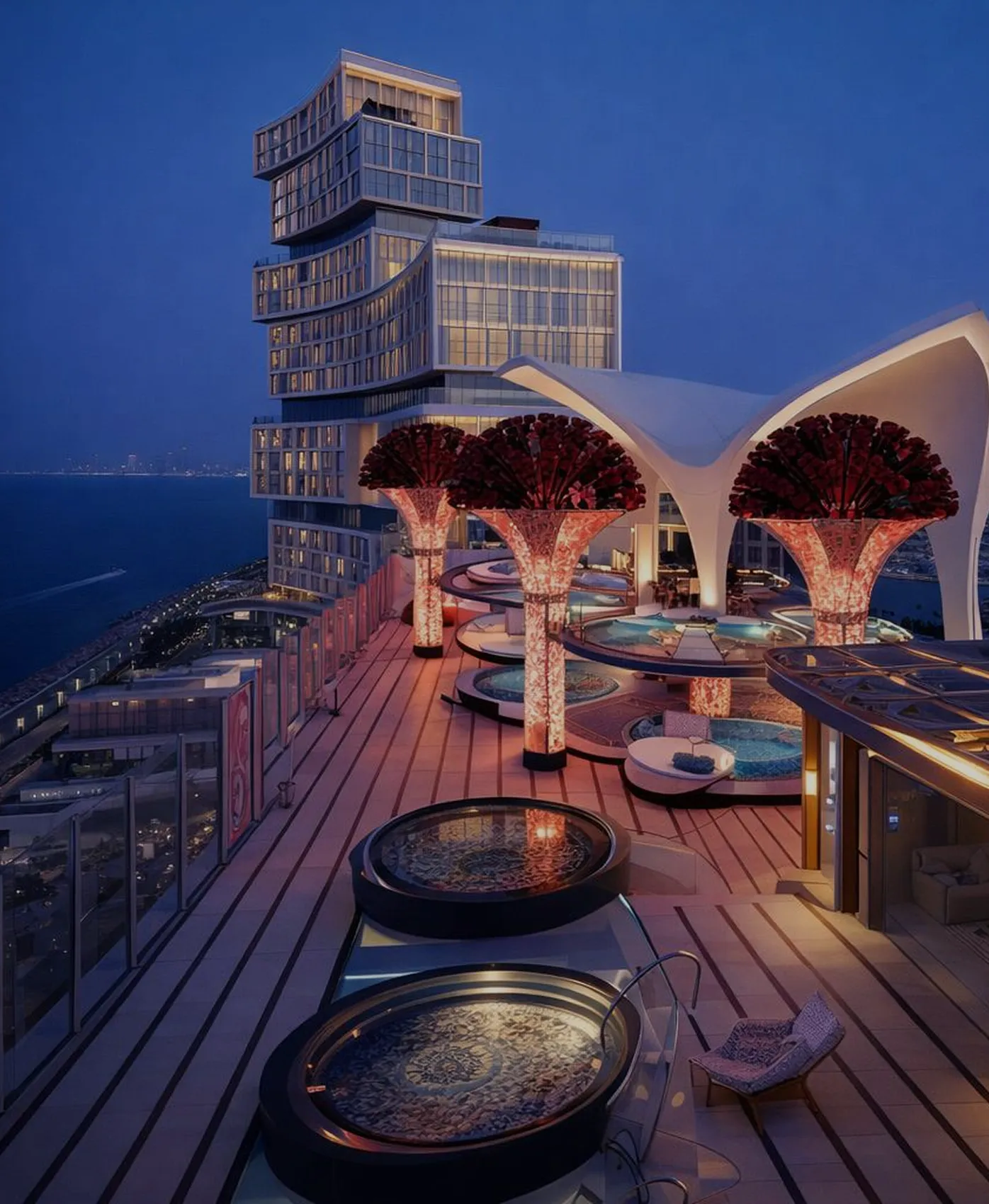
Monitoring and preventive maintenance as standard practice. Faults should announce themselves. Our AMC client at The Royal Atlantis describes preventive visits arriving on time, issues explained clearly and minimal downtime, which is the standard a landmark property should expect.
We tell clients when event-grade is the right answer. If something genuinely is running for a month and then coming down, specifying it for a decade wastes money. The distinction runs both ways.
More than 800 delivered projects since 2018 across the UAE, Saudi Arabia, Oman and the wider GCC, for clients including Atlantis The Royal, Al Jalila Foundation, VISA, PwC, Emaar, DEWA, the Government of Dubai and Dubai Desert Conservation Reserve.
Author Fahad Javaid is Founder and CEO of Power Interactive, a Dubai-based immersive technology studio. This article is written from more than 800 experiential technology projects designed, engineered and delivered across the UAE, Saudi Arabia, Oman and the wider GCC since 2018.


LED displays are typically rated up to 100,000 hours, with real-world life of around 7–10 years. Importantly, that hour figure is the point at which brightness drops to roughly half its original level, not the point of failure. Commercial-grade panels commonly show a half-life between 50,000 and 100,000 hours, and actual longevity depends heavily on operating hours, temperature and maintenance.
Laser projectors are generally rated between 20,000 and 30,000 hours, with professional-grade models reaching 50,000–60,000. In practice a 20,000-hour projector running genuinely 24/7 lasts about 2.3 years, while the same unit at 10 hours a day lasts five to seven years. Daily operating hours matter more than the headline figure.
You can, and it will age far faster than its warranty anticipates. Event and rental equipment is specified for short supervised runs with a technician present. Permanent operation requires duty-cycle-rated hardware, thermal design, redundancy on critical paths, serviceable mounting and monitoring. Using event-grade hardware permanently is one of the most common causes of early failure.
An AMC (Annual Maintenance Contract) generally covers labour and routine servicing, with replacement parts billed separately. A CMC (Comprehensive Maintenance Contract) also covers the cost of replacement parts. AMCs cost less; CMCs are usually the better choice for critical systems or where components are expensive. Always confirm in writing which one you are buying.
Published benchmarks range from roughly 1–2% of original project value for straightforward installations to 5–15% of hardware and software cost annually for complex systems carrying software licensing. The appropriate figure depends on how critical uptime is and how expensive the components are, rather than on the size of the remaining budget.
Duty cycle is how many hours per day equipment is rated to operate. Commercial displays are typically rated for 24/7 use; consumer displays are commonly rated around 16/7. Installing a 16/7-rated product in a space that runs longer than that will shorten its life and may fall outside warranty. A specification that does not state expected daily operating hours is incomplete.
Most permanent installations warrant scheduled preventive visits at quarterly or half-yearly intervals, covering filter cleaning, optical cleaning, calibration checks, connection inspection and firmware review, with frequency increasing for dusty environments, outdoor exposure or heavy public use. Preventive servicing is what prevents the dramatic failures.
Usually heat. Equipment is rated at temperatures it rarely experiences here, and enclosures or ceiling voids that look acceptable in a drawing become heat traps. Excess heat shortens component life, accelerates brightness decay and produces intermittent faults that are hard to diagnose because the unit behaves normally when tested in cooler conditions.
As-built drawings, signal flow schedules, IP addressing and network configuration, control system code, equipment list with exact part numbers and firmware versions, credentials, warranty documents, the preventive maintenance schedule and operator training materials. This pack is what allows a different team to maintain the system in year three.
Over a ten-year life this is likely rather than possible. Mitigation is to avoid unnecessary proprietary dependencies at design stage, record exact part numbers and firmware versions at handover so like-for-like sourcing is possible, and agree lifecycle review points where ageing elements are replaced deliberately rather than in an emergency.
Plan a lifecycle review at around five to seven years for displays and projection, and earlier for control and processing hardware, which tends to be superseded faster. Content should be refreshed considerably more often than that. Agreeing these horizons at handover turns replacement into a budget line rather than an unplanned capital request.
Almost always content rather than hardware. We are regularly asked to assess underperforming permanent installations and find the technology working exactly as designed, running content unchanged since opening day. If there is no content management layer allowing the client's own team to update it, refreshes require a procurement cycle, so they stop happening.
.png)
.jpg)
Power Interactive is a Dubai-based experiential technology company, building immersive experiences, interactive installations and Pro AV systems for clients across the UAE, Saudi Arabia and the GCC.